> For the complete documentation index, see [llms.txt](https://help.foreverfanmusic.com/llms.txt). Markdown versions of documentation pages are available by appending `.md` to page URLs; this page is available as [Markdown](https://help.foreverfanmusic.com/your-mini-site/header-quick-links-and-bio.md).
# Header, Quick Links, and Bio
The top of your mini-site: banner, name, quick links, and bio.
The **Header** tab controls the top of your mini-site. This is the first thing a fan sees, so it's worth getting right. Open the mini-site editor and pick the **Header** tab.
## Banner image
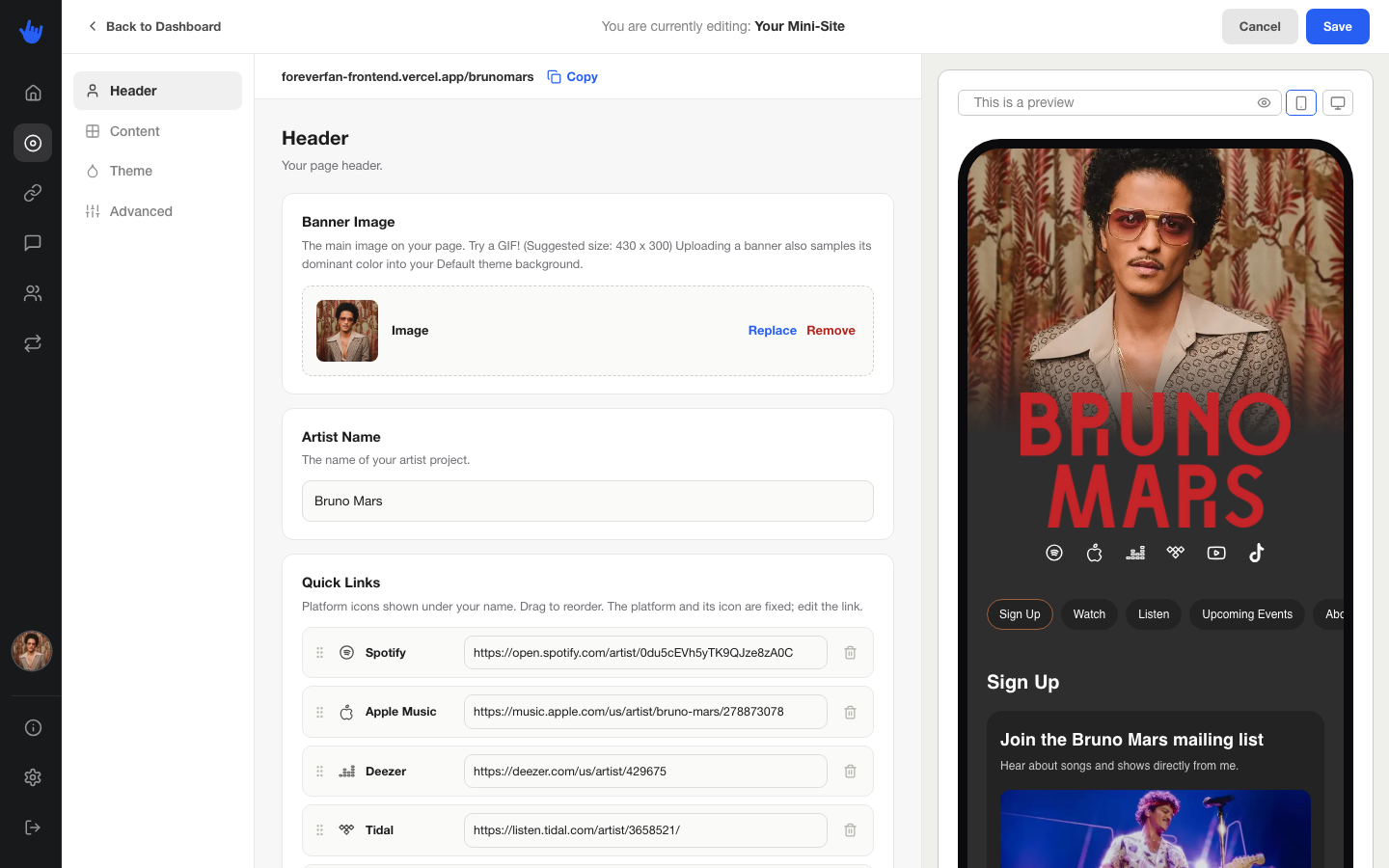
Your banner is the wide image across the very top of the page. Upload one that represents you: a press shot, cover art, a tour photo.
One nice touch: when you upload a banner, ForeverFan pulls a main color out of it and uses that color as the background of your **Default** theme. So your page can match your banner without you touching a color picker. If you'd rather set colors yourself, you can, over on the [Theme tab](/your-mini-site/design-and-themes.md).
## Artist name
This is the name shown under your banner. It's set to your artist name to start with, and you can edit it here for how it reads on the page.
## Quick links
Quick links are the row of small platform icons near the top of your page. They send fans straight to the places you already have a presence: your Spotify, your Instagram, your merch store, your Discord.
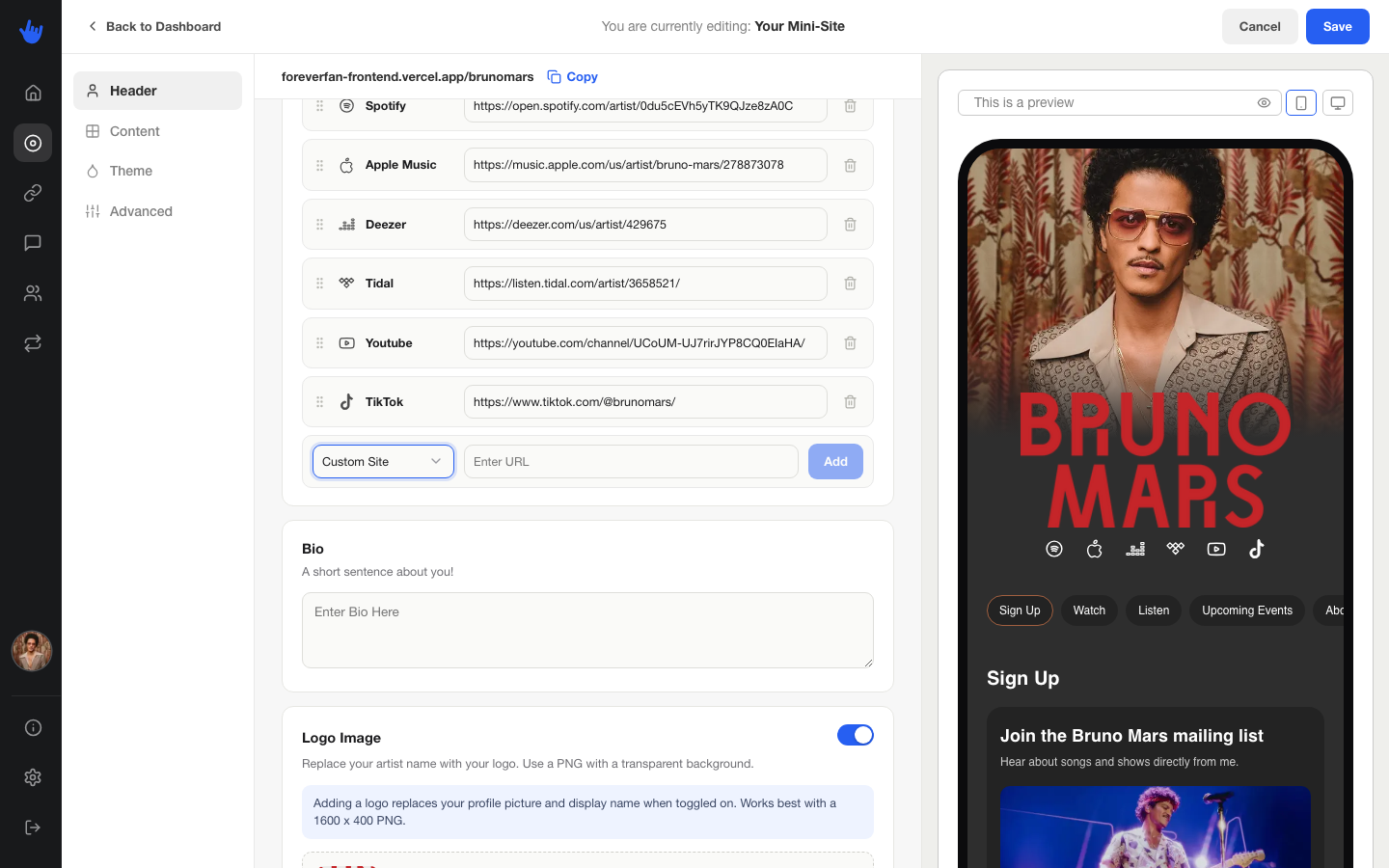
You can add up to **8** quick links. Drag them to reorder. For each one you pick a platform, which sets the icon, and paste the URL fans should go to.
The platforms you can choose from:
* Amazon Music
* Apple Music
* Bandcamp
* Cash App
* Custom Site
* Deezer
* Discord
* Email
* Facebook
* Instagram
* Pandora
* Snapchat
* Soundcloud
* Spotify
* Tidal
* TikTok
* Twitch
* YouTube
* X (Twitter)
Pick **Custom Site** for anything without its own icon, like your own website.
## Bio
A short line or two about you. Keep it tight. Fans are here to find your music and your links, so the bio is a quick hello, not an essay.
## Custom logo
By default your header shows your profile picture and your name as text. If you'd rather lead with a logo, turn on the **use custom logo** option and upload your logo image. When it's on, your logo takes the place of both the profile picture and the plain-text name.